Description
Simple Age Verification for WordPress and WooCommerce
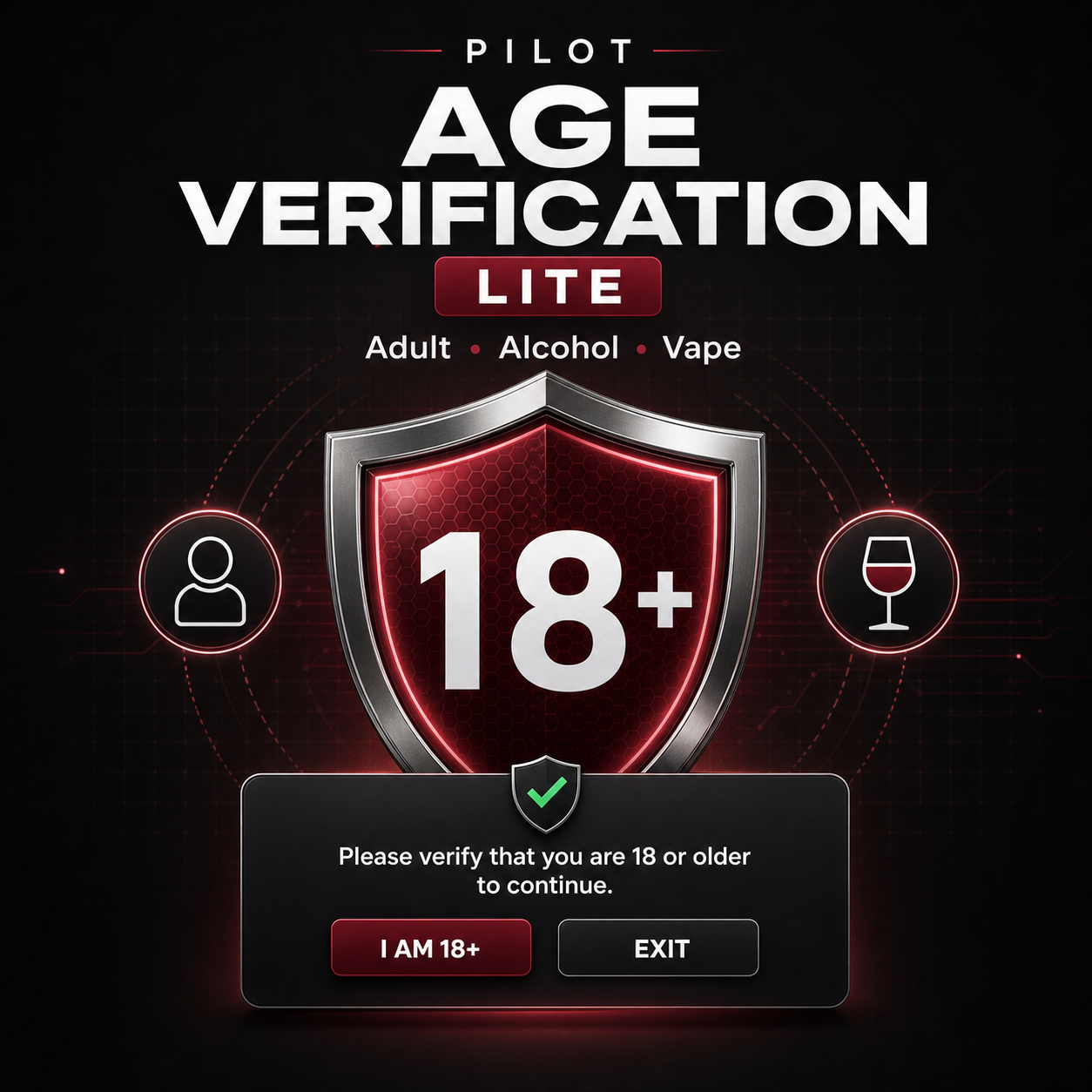
Pilot Age Verification Lite helps you place an age confirmation gate in front of your entire website in just a few minutes. It is designed for websites and online stores related to adult content, alcoholic beverages, vaping, sexual wellness, adult novelty products, wine, beer, and spirits.
Visitors must confirm that they meet your configured minimum age before accessing the website. After approval, the plugin stores only a functional cookie in the visitor’s browser, preventing the gate from appearing again during the period you select.
Why Download Pilot Age Verification Lite?
A generic or poorly optimized age popup can reduce trust, create problems on mobile devices, and cause potential customers to leave your store. Pilot Age Verification Lite provides a professional experience that can match your brand, without complicated setup, external accounts, or recurring service subscriptions.
- Fast setup: start with an Adult, Alcohol, or Vape preset.
- Flexible age requirement: choose a custom minimum age from 13 to 99.
- Responsive design: works across desktop computers, tablets, and mobile phones.
- Visual customization: add your logo and customize the overlay, card, text, and accent colors.
- Custom messages: edit the headline, notice, confirmation button, denial button, and denial message.
- Optional redirect: send underage visitors to a URL of your choice.
- Smoother visitor experience: remember successful confirmation with a configurable browser cookie.
- Privacy friendly: no date of birth, document, or identity information is requested or stored.
- Accessible interaction: includes keyboard navigation, focus control, and a high-contrast interface.
- WooCommerce compatible: protects the public-facing areas of your online store.
Features Included in the Lite Version
- Enable or disable the age gate at any time.
- Adult 18+, Alcohol 21+, and Vape 21+ quick presets.
- Fully customizable minimum age.
- Cookie duration from 1 to 365 days.
- Custom text using the dynamic
{age}placeholder. - Custom logo from the WordPress Media Library.
- Color controls for matching the age gate to your brand.
- Denial message or optional redirect URL.
- Optional bypass for logged-in administrators.
- Developer filter:
pavl_should_show_gate.
Quick Installation
- Download the product ZIP file.
- In WordPress, open Plugins → Add New Plugin → Upload Plugin.
- Select the ZIP file, install it, and activate the plugin.
- Open Settings → Pilot Age Verification.
- Choose a preset, review the minimum age, and customize the design.
- Save your changes and test the gate in a private or incognito browser window.
Need More Advanced Controls?
The Lite edition is ideal when you need one consistent age gate across your entire website. Stores with different products, categories, locations, or age requirements may need more precise controls.
Pilot Age Verification Pro is planned to provide advanced capabilities such as:
- Age rules by country or region.
- Date-of-birth verification.
- Restrictions for individual pages, posts, and custom post types.
- WooCommerce product and category rules.
- Cart and checkout enforcement.
- Multiple age gates and minimum ages on one website.
- Analytics, scheduling, and advanced design options.
- Potential integrations with third-party identity verification providers.
Discover Pilot Age Verification Pro and check availability →
Frequently Asked Questions
Does it work with WooCommerce?
Yes. Pilot Age Verification Lite displays the gate across the public-facing website, including shop, product, cart, and checkout pages. Individual product and category rules are planned for Pilot Age Verification Pro.
Does the plugin verify identity documents?
No. The Lite edition records a visitor’s self-declaration through confirmation buttons. It does not request identity documents, photographs, dates of birth, or other personal information.
Can I change the minimum age?
Yes. The presets provide convenient starting values, but you can configure any minimum age from 13 to 99 according to your website’s needs and the requirements that apply to your business.
Can I customize the age gate?
Yes. You can customize the logo, colors, headline, message, buttons, denial notice, and redirect URL.
Will the confirmation screen appear on every page?
Not after successful confirmation. A functional cookie remembers the visitor’s response for the number of days selected by the website administrator.
Does it collect personal information?
No. Pilot Age Verification Lite does not collect dates of birth or identity information. It stores only a browser cookie indicating that the visitor confirmed the required age.
Is it mobile friendly?
Yes. The age gate adapts to desktops, tablets, and mobile phones. It also includes support for keyboard navigation.
Does it guarantee compliance with age-verification laws?
No. Pilot Age Verification Lite is a self-declaration age gate and is not an identity verification service. Legal requirements vary by country, state, region, product, and content type. Consult qualified legal counsel to determine the requirements that apply to your business.
What is the difference between Lite and Pro?
Lite provides a simple, site-wide age gate. Pro is planned for stores and websites that require advanced controls based on location, content, products, categories, cart contents, or checkout activity.



Reviews
There are no reviews yet.