ChatPilot Lite
Settings
Version 1.0.1 · Reviewed 2026-08-06
Settings and integration points
The following items were detected by static inspection of the installed plugin. Labels can vary by version.
Shortcodes
FREE WHATSAPP CHAT FOR WORDPRESS
Give visitors a faster way to start a conversation.
Add a professional floating WhatsApp button to WordPress with your business number, custom message and responsive click-to-chat experience.
Free entry-level versionNo Cloud APIFast WordPress setup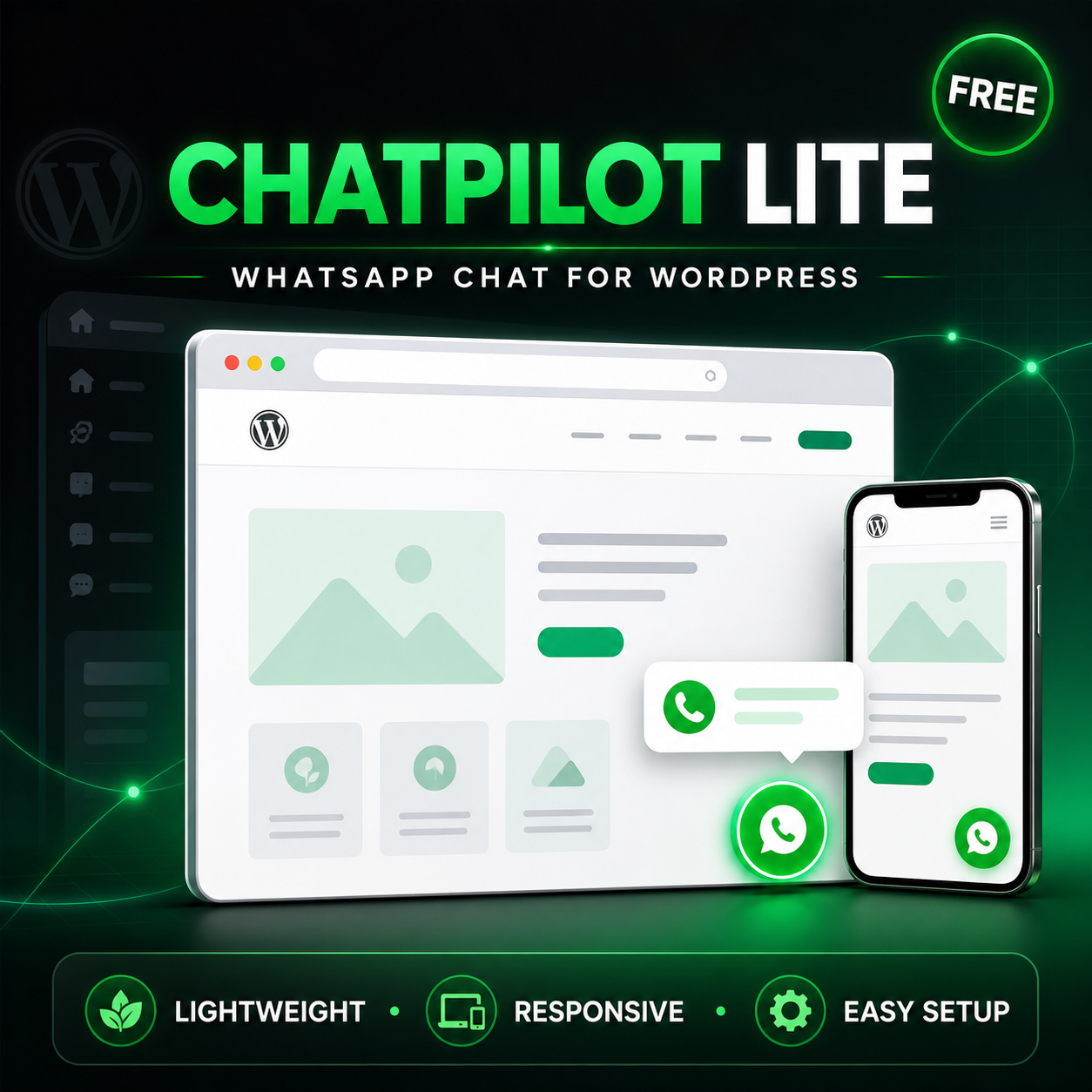
FLOATING BUTTON●CUSTOM NUMBER●PREFILLED MESSAGE●RESPONSIVE●NO API CREDENTIALS FOCUSED FEATURES
Everything needed for a simple WhatsApp contact path.
Start with an organized, recognizable chat option without complicated technical configuration.01 Floating WhatsApp button
Add a clear contact launcher that remains easy to find while visitors browse.
02 Your business number
Connect a valid WhatsApp or WhatsApp Business number with international country code.
03 Prefilled message
Create the default customer message that appears when the conversation opens.
04 Custom button content
Configure the main widget text and welcome content for your business.
05 Left or right placement
Choose the side of the website where the floating launcher should appear.
06 Responsive experience
Provide consistent access across desktop computers, tablets and mobile devices.
07 Lightweight click-to-chat
Open a standard WhatsApp address with the configured number and message.
08 No Cloud API setup
No API credentials, access tokens, webhooks or Meta developer application required.
WHY DOWNLOAD CHATPILOT LITE?
Less friction between browsing and contacting you.
Visitors can move from your website to a familiar messaging platform with one clear action—without registration, complicated forms or waiting for email.
Make contact information easier to findImprove the mobile contact experienceUse a platform customers recognizePresent one consistent contact widgetAvoid Meta developer and webhook setupTest WhatsApp as a business contact channelHOW IT WORKS
Configure once. Start receiving WhatsApp chats.
1 Install and activate the plugin
2 Enter your WhatsApp number
3 Write the prefilled message
4 Customize text and position
5 Save, test and publish
Number formatInclude the complete country code without spaces, punctuation, parentheses or plus symbol.
13055550123IDEAL FOR
A straightforward contact option for growing businesses.
START FREE. UPGRADE WHEN READY.
ChatPilot Lite vs. ChatPilot Pro.
Capability Lite Pro Floating WhatsApp widget Included Included Custom number and message Included Included Responsive design Included Included Multiple agents Upgrade Included Individual schedules Upgrade Included WooCommerce product buttons Upgrade Included Dynamic product variables Upgrade Included Advanced display targeting Upgrade Included Privacy consent Upgrade Included Agent-specific shortcodes Upgrade Included Explore ChatPilot ProNeed a complete sales and support system?
Upgrade for multi-agent routing, business schedules, WooCommerce integration, privacy controls and advanced placement.
TECHNICAL REQUIREMENTS
Built for a standard WordPress environment.
- Active WordPress website
- WordPress 6.2 or newer
- PHP 7.4 or newer
- Valid WhatsApp or WhatsApp Business number
- Theme with the standard wp_footer() hook
- Supported desktop or mobile browser
FREQUENTLY ASKED
Simple answers before you download.
What is ChatPilot Lite?+
A streamlined WordPress plugin that adds a floating WhatsApp click-to-chat button to your website.
Is ChatPilot Lite free?+
ChatPilot Lite is presented as the free entry-level version of ChatPilot. Review the current product and license information on the download page.
Does it require the WhatsApp Cloud API?+
No. It uses standard WhatsApp click-to-chat links without API credentials, webhooks or a Meta developer application.
Can I use a WhatsApp Business number?+
Yes. Configure a valid WhatsApp or WhatsApp Business number using the complete country code.
Can I customize the prefilled message?+
Yes. The Lite version lets you configure the default message used when a visitor opens WhatsApp.
Does it work on mobile devices?+
Yes. The interface is designed for desktop, tablet and mobile screens.
Does it store WhatsApp conversations?+
No. It opens the click-to-chat address; the private conversation continues through WhatsApp.
Is it an automated chatbot?+
No. It is a contact tool that connects visitors to your configured WhatsApp number.
Does Lite support multiple agents or WooCommerce products?+
Advanced agents, schedules, product buttons and dynamic WooCommerce variables are available in ChatPilot Pro.
Does it guarantee more sales?+
No. It reduces contact friction, but results depend on traffic, demand, pricing, response time and other business factors.
FREE WHATSAPP CONTACT FOR WORDPRESS
Make it easier for potential customers to begin a conversation.
Download ChatPilot LiteWhatsApp is a third-party platform. Website owners remain responsible for appropriate privacy disclosures, consent language and legal compliance.